



Desktop program
- Download, install, keep updating
- Hundreds of megabytes on disk
- Profiles live on that one laptop
- You pay for seats and profiles
Profiles with their own proxies and fingerprints live on our servers. All you need is a browser.
Closed beta, free by invite


Each tab gets its own proxy, fingerprint and login. Switch between them in one click.
Instagram: the New reel step for Kesar & Clove, a chai brand from Pune. A caption with hashtags, Austin, Texas as the location and the Share button, then the message that the reel has been shared. The tab is open in an OMG profile with a US IP.
Meta Ads Manager: the Northpine Outdoor campaigns table with budgets, results and spend. Profile with a US IP.
TikTok Ads Manager: the Maré Beauty dashboard with a week of spend and conversions. Profile with a Brazilian IP.
Google Ads: the Kranich Reisen overview with clicks, impressions and campaigns for 30 days. Profile with a German IP.
AI coding assistant: queue.ts with a fix and a chat with the assistant. Profile with a Dutch IP.
Amazon Seller Central: today's snapshot and inventory of the Harbor & Pine store. Profile with a UK IP.
Instagram: post reels for a US audience from any country. The profile has a US IP, local time and language.
Client ad accounts stay apart: each one lives in its own profile.
TikTok Ads for a Brazilian client, from a profile with a Brazilian IP and time zone.
A German client's Google Ads, from a profile with a German IP. The login stays on the server.
Your AI coding assistant in its own profile. The session lives on the server, so you can pick it up from a tablet.
Seller Central for a UK store, in a profile with a UK IP and a saved login.
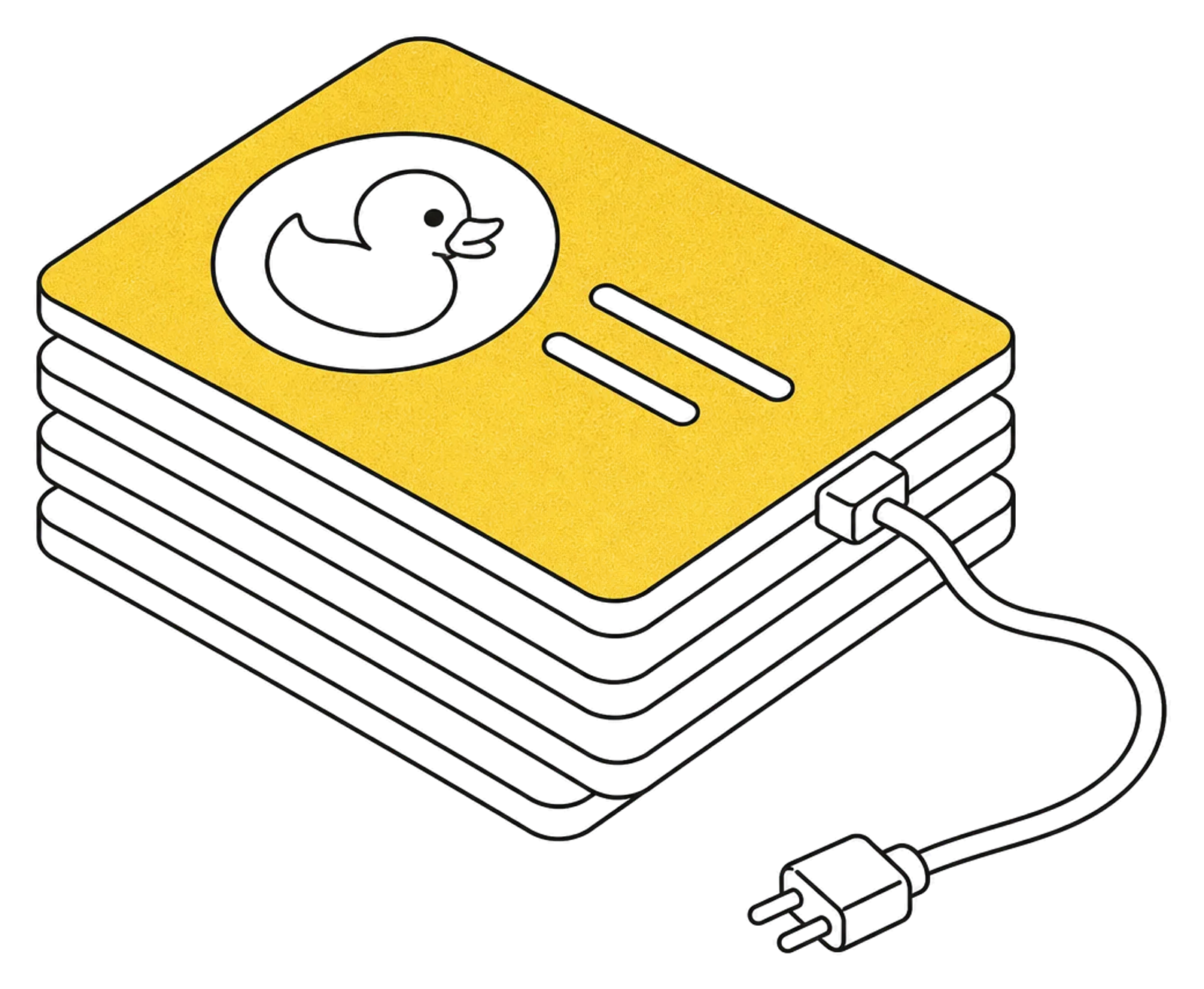
Paste your proxy as one line: socks5://user:pass@host:port. We check it and show the IP and city that sites will see.
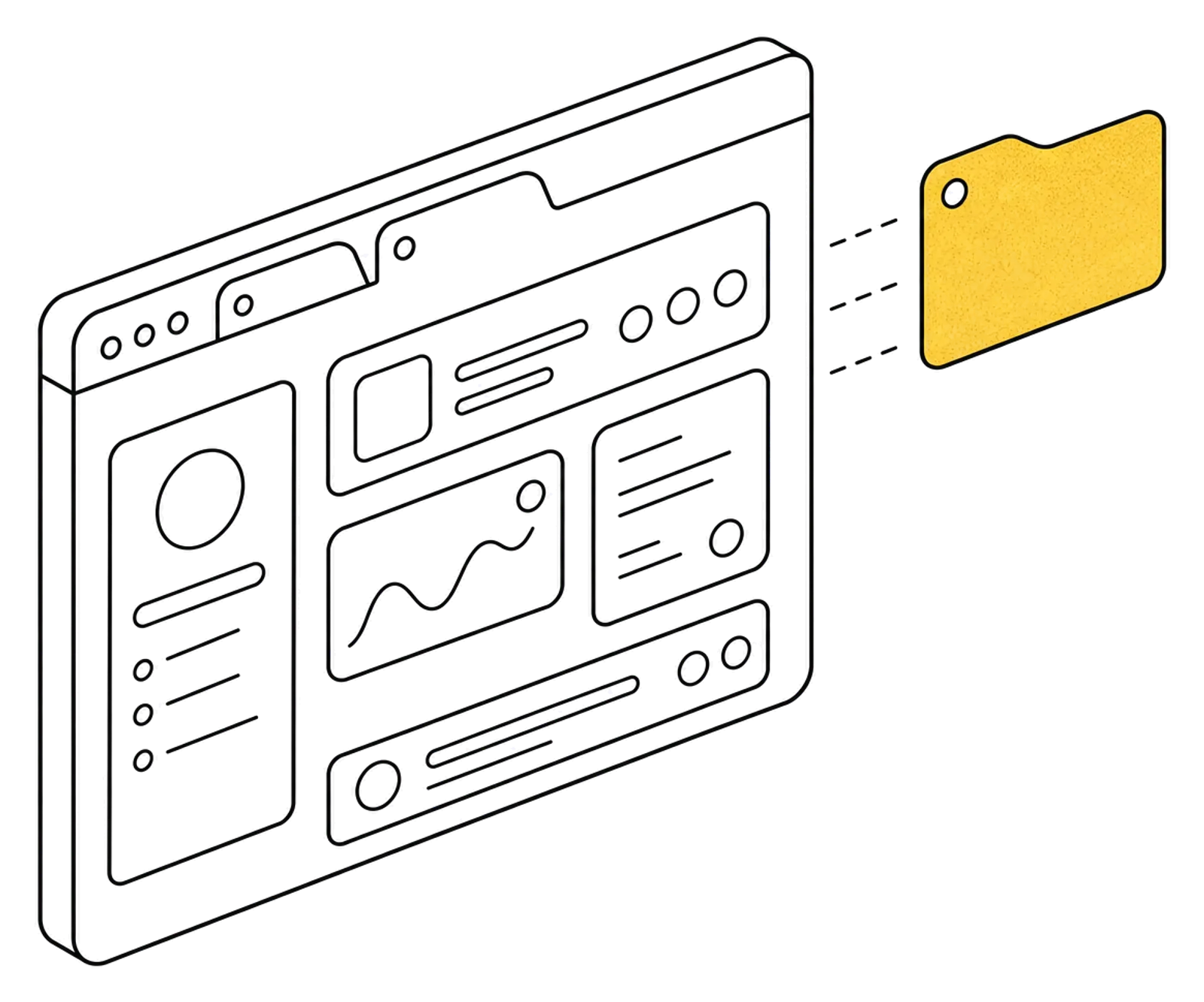
Type in a site address. A browser with its own fingerprint starts on the server, usually in about ten seconds.
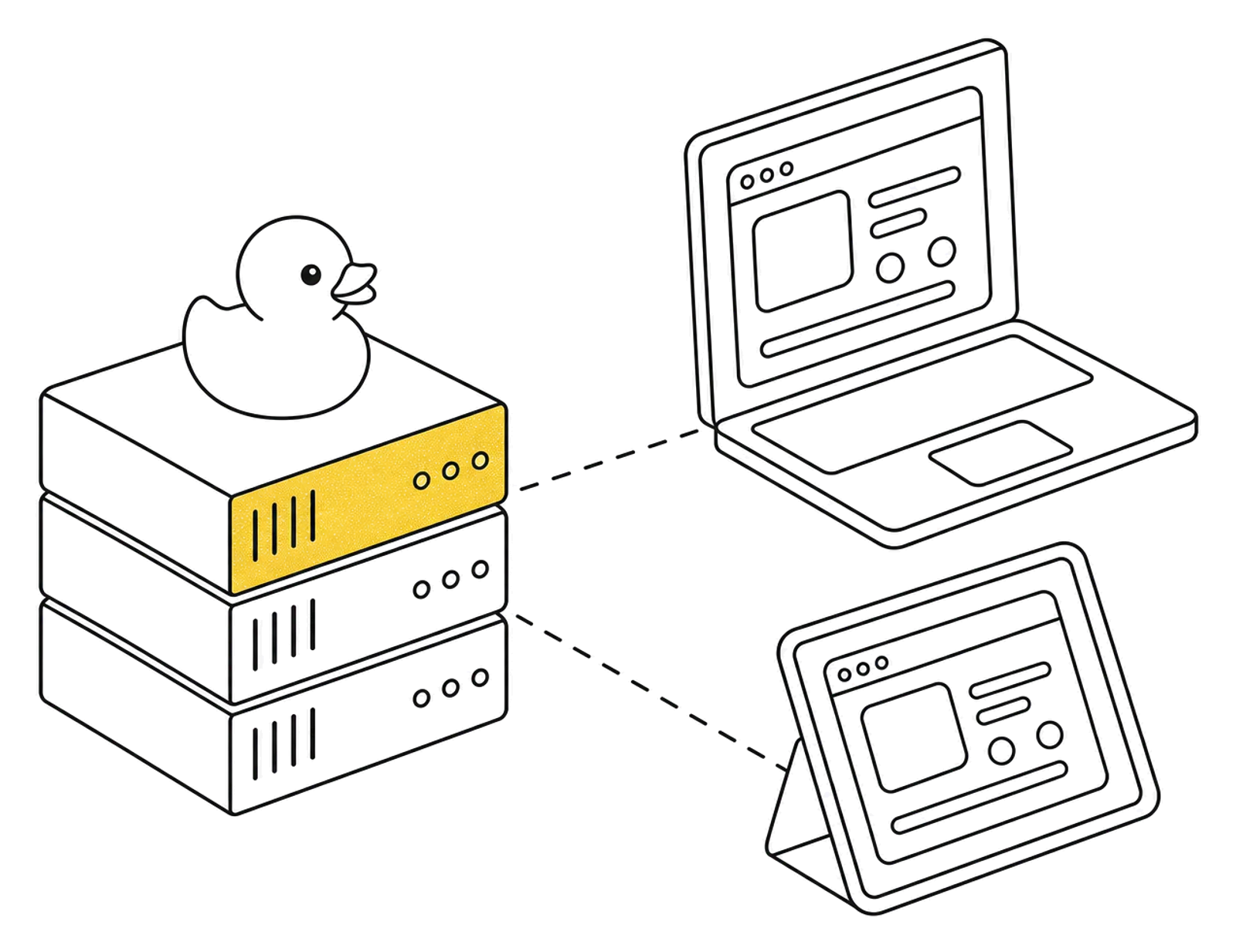
Click and type like in any tab. Cookies and logins stay in the profile, and you can get back to them from any device.
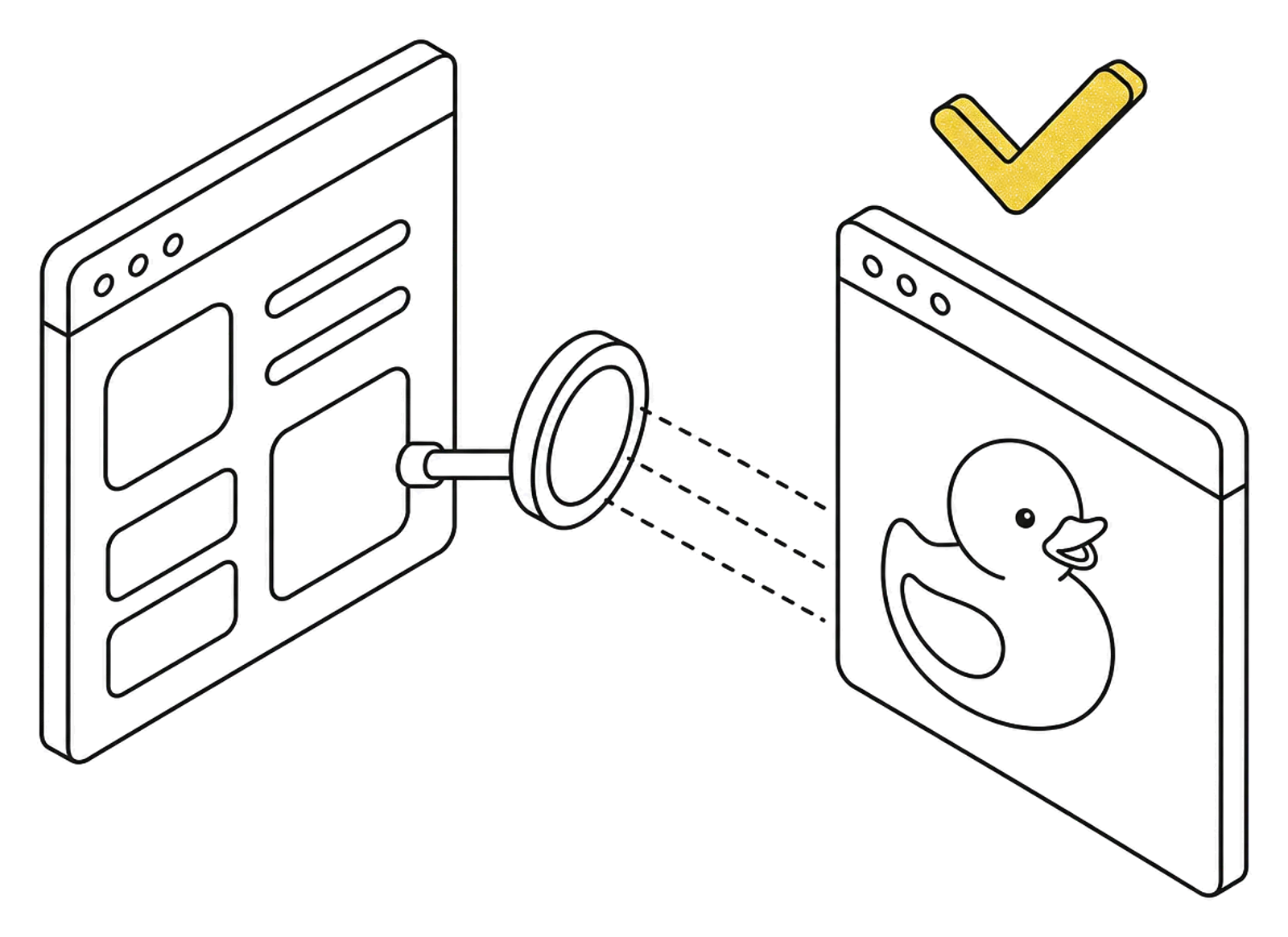
If it looks like a duck and quacks like a duck, it's a duck. A profile shows sites the IP of its proxy, with the time zone and language set for the same country.
In our checks, BrowserScan rated the browser 100% authentic.
Duck in round glasses
Duck in a cap
Duck in headphones
Duck in a beret
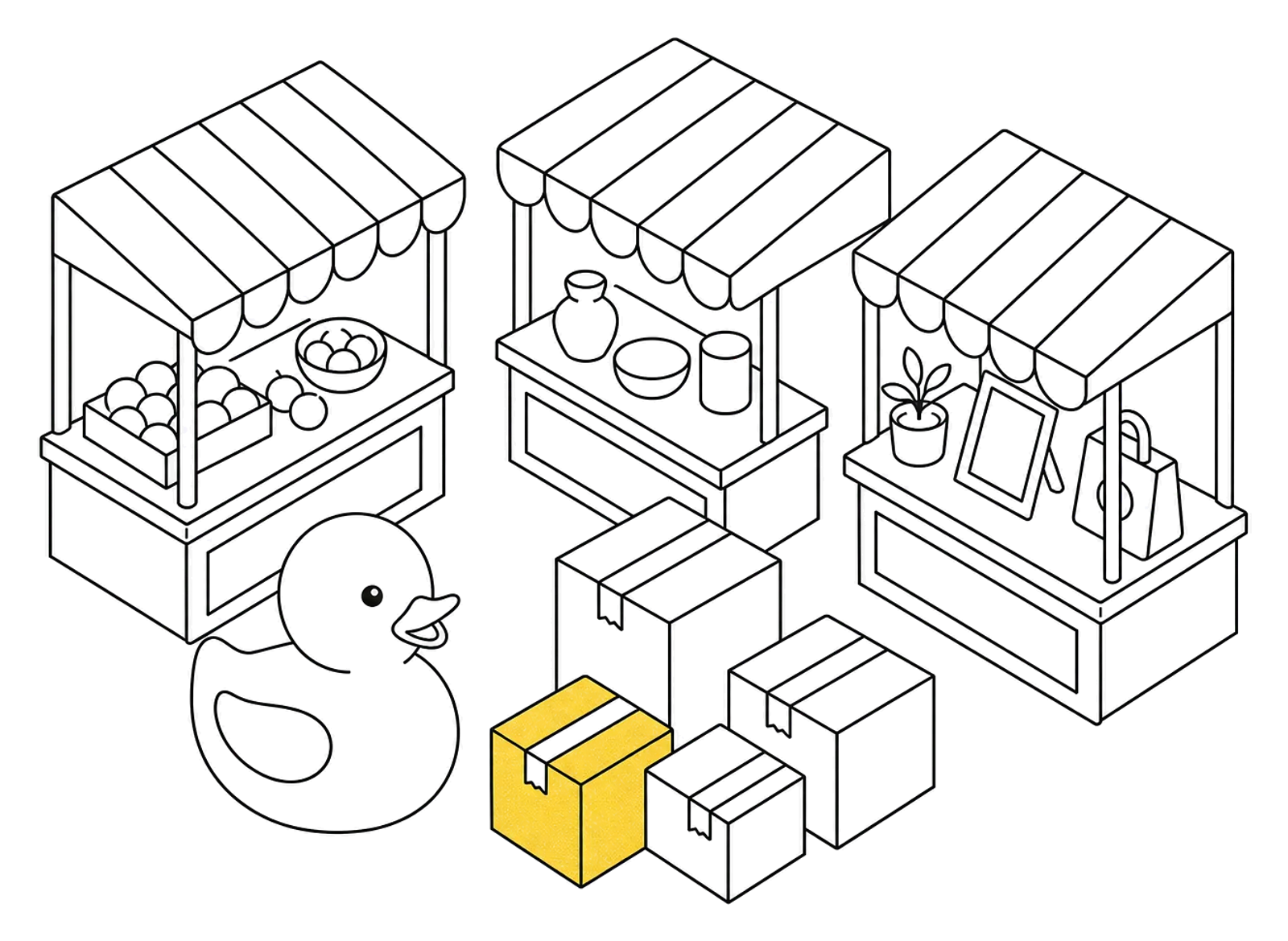
Several stores, each with its own seller account and IP.
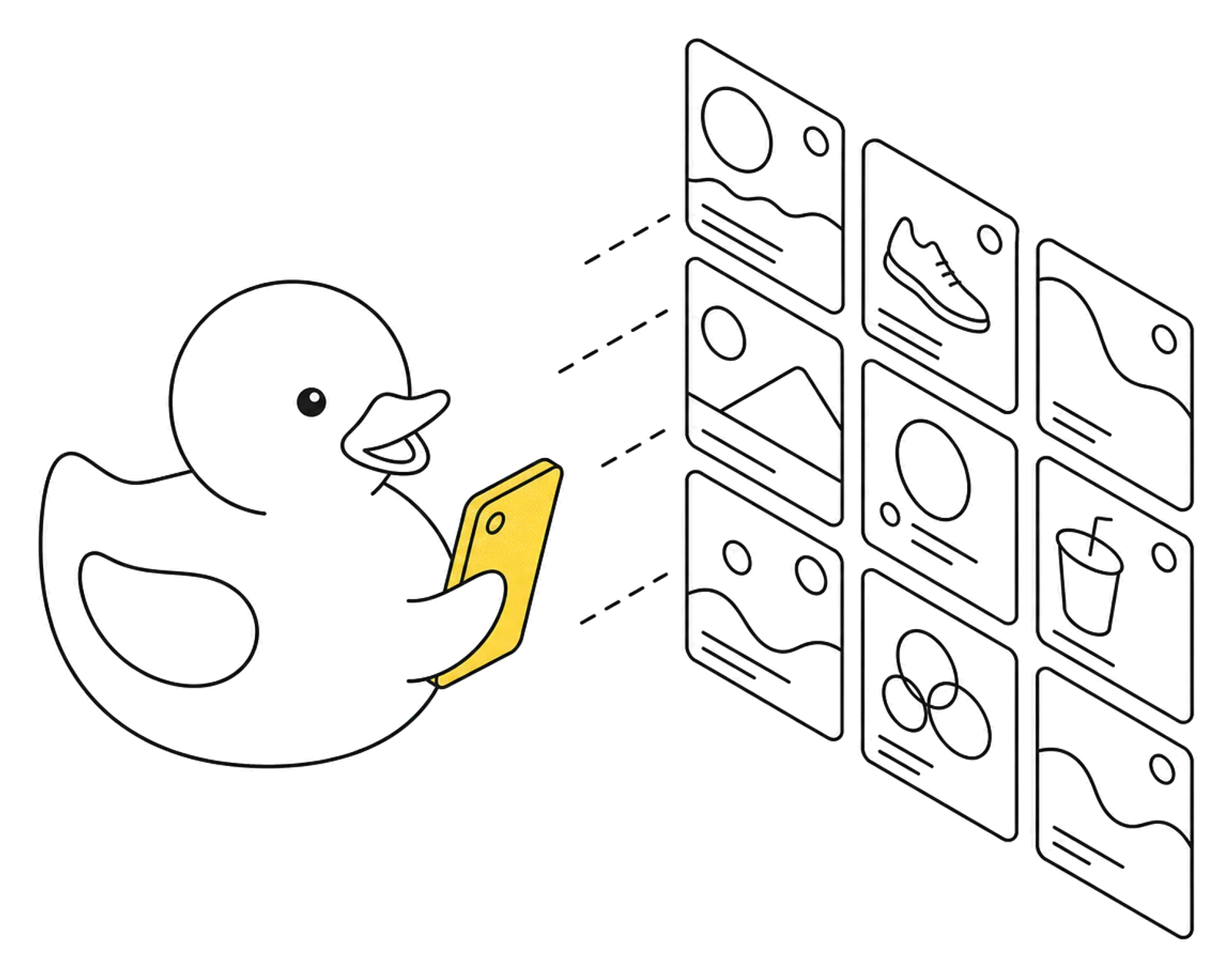
Brand accounts stay apart, and logins don't drop.
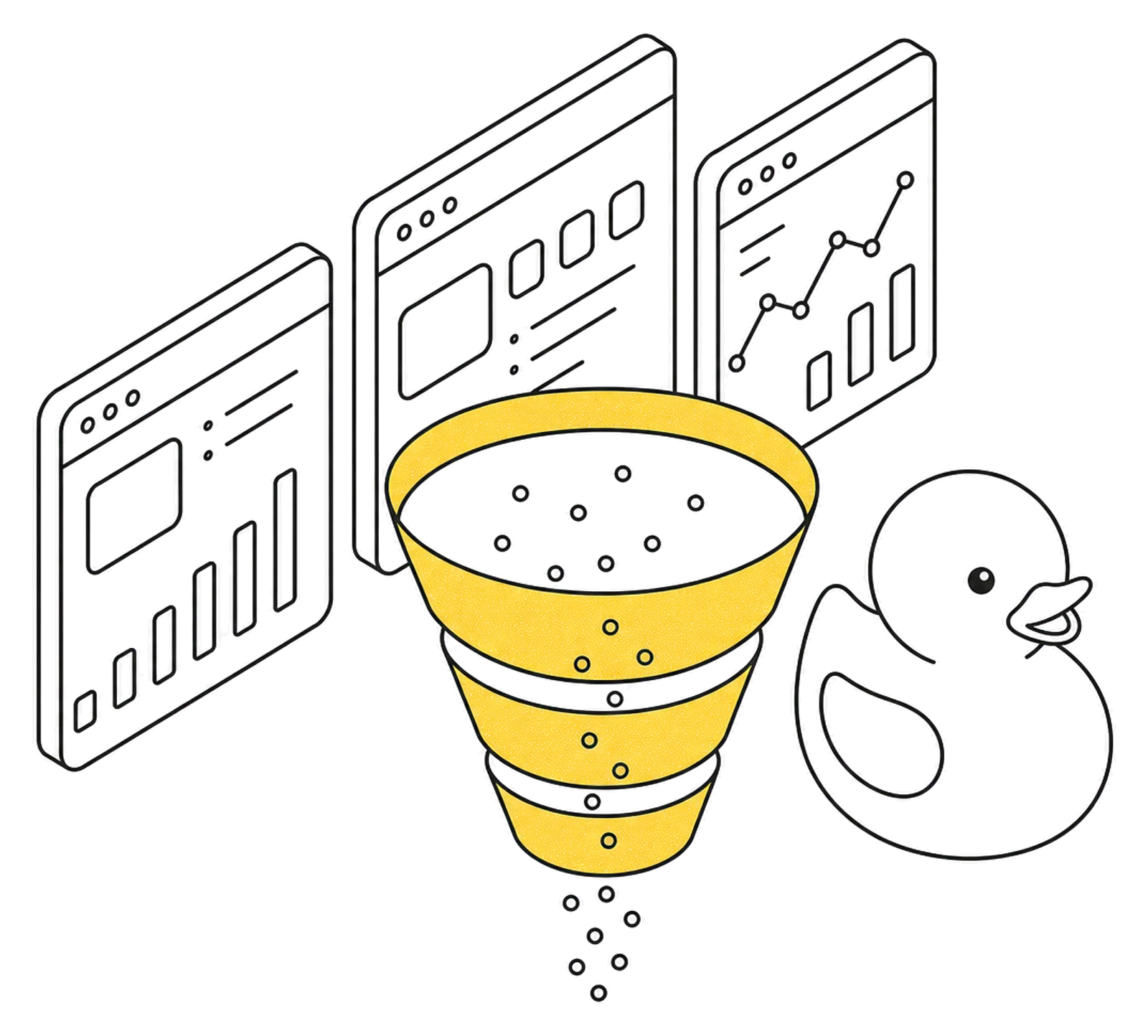
Client ad accounts in separate profiles, no mix-ups.
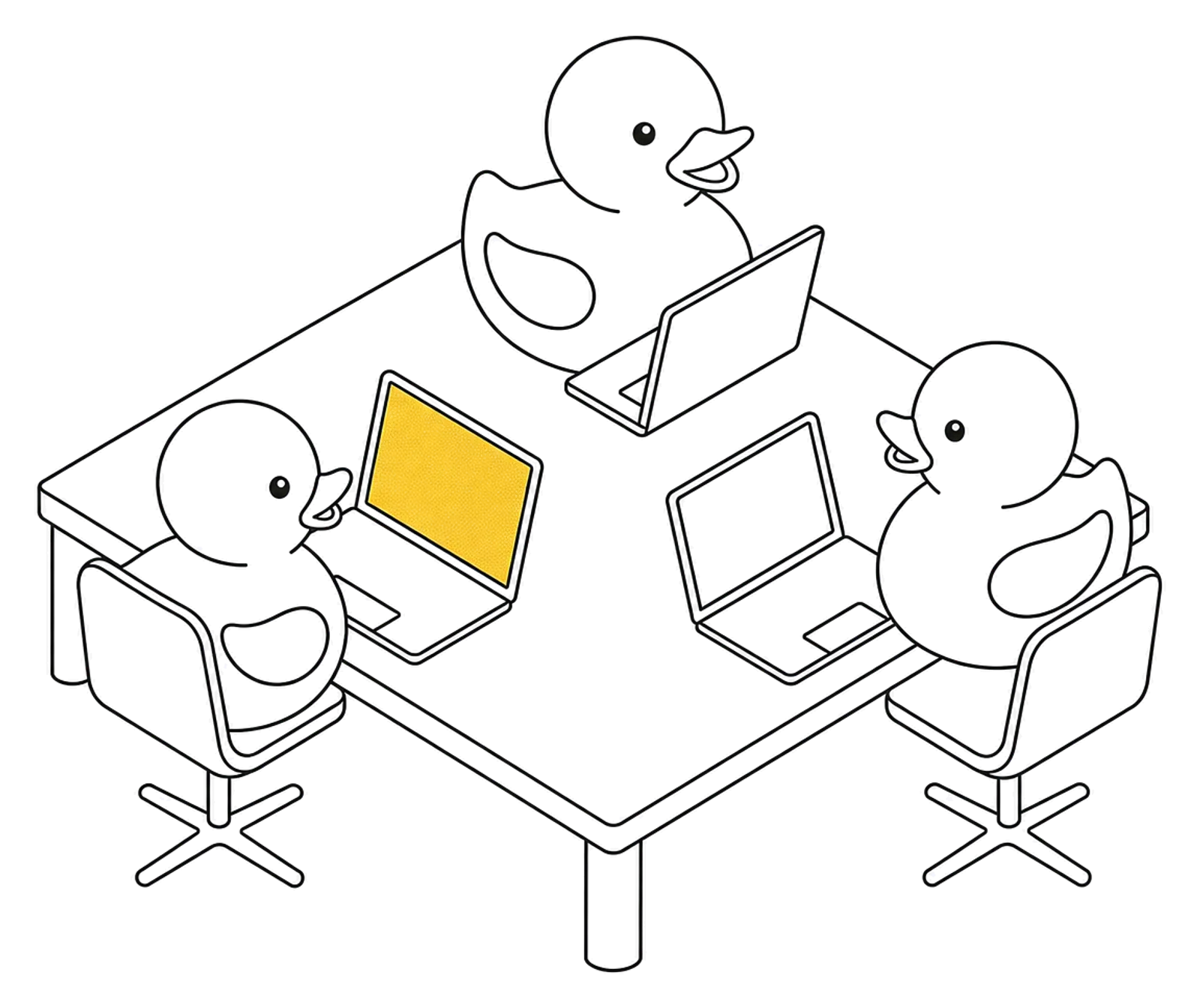
Logins live on the server, not on employees' laptops.

Open a tablet in a café and find the same profiles as on your laptop.
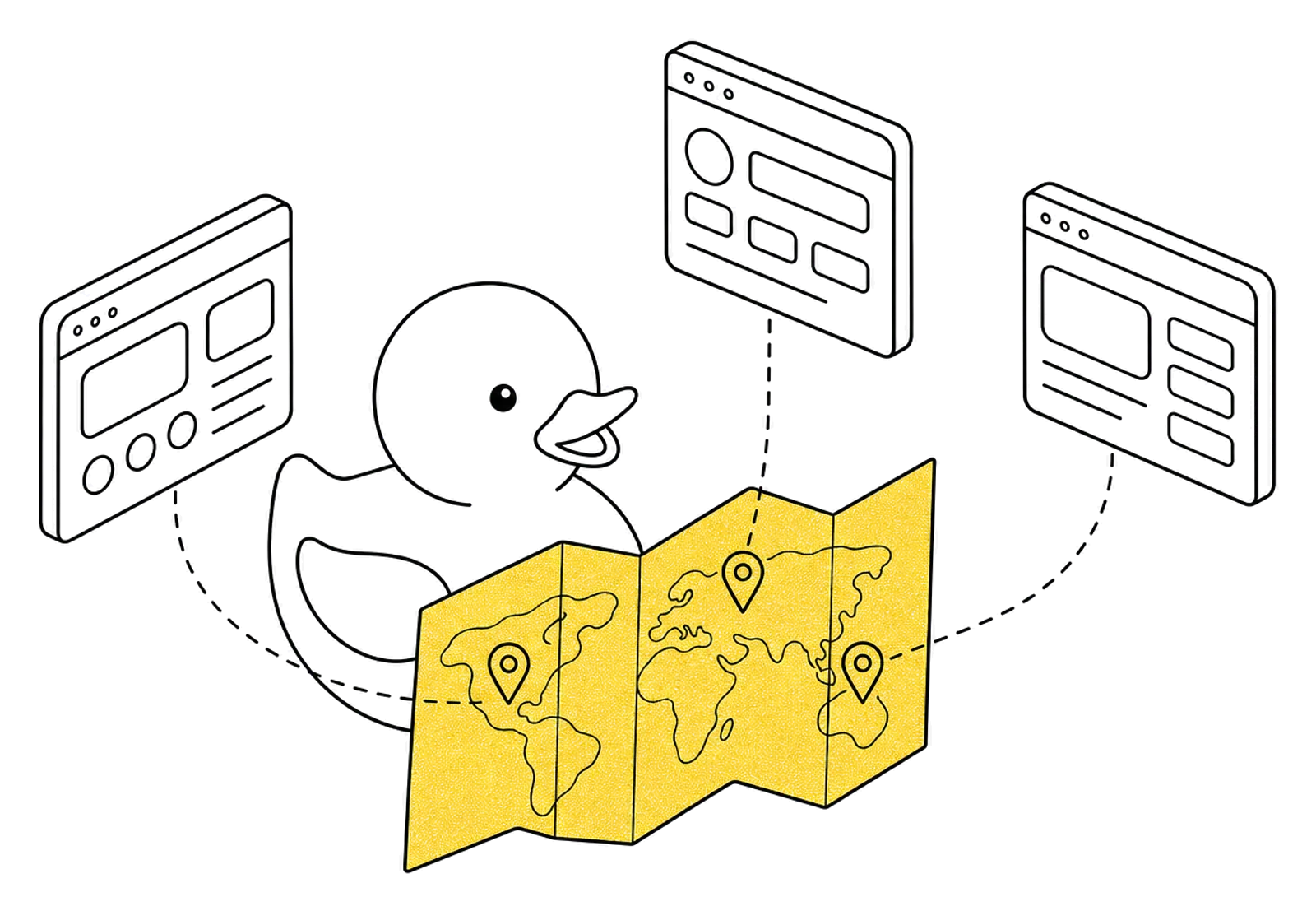
See a site and its ads the way people in another country see them.
We're just launching, and the limits aren't hidden in fine print.
Your place in line 3
The duck saved your place in line.
We let people in small groups so everything runs smoothly for everyone.
That's for all users combined. If both are busy, you join the line and see your live position. When one frees up, the browser starts for the first person in line.
The rest wait in the list on the left and open in one click, logins included.
The picture arrives as a video stream. A home connection is enough for dashboards, spreadsheets and chats.
You pay for the time the browser is open, not for seats or idle profiles.
Now
Free
Everything is included while the beta runs. In return, tell us what gets in your way.
Get an invite (opens Telegram)After the beta
Didn't find an answer? Ask us on Telegram.
SOCKS5 and HTTP, with or without a login and password. Paste a line like socks5://user:pass@host:port, and we check it and show the IP, country, city and latency. Mobile, residential and datacenter proxies all work.
Each profile has its own fingerprint. It's stored in the profile and stays the same between launches. You choose the system (Windows, macOS or Linux), and the time zone and language follow the proxy's country. You can also set them by hand.
Yes. All you need is a modern browser: Safari on an iPad or Chrome on an Android tablet. Nothing to install, and the profiles are the same as on your laptop.
In the profile on our server, not on your device. Close the tab and the state is saved. Open it from another computer and you're still logged in.
The tab stops loading sites until the proxy is back. All of the profile's traffic goes only through your proxy, with no other route, so sites never see our server's IP.
During the beta, two for all users combined. If both are busy, you join the line and see your number. When a browser frees up, it starts for the first person in line. Each person has one live tab, and the rest wait in the list and open in one click.
The beta is free. After that, about 25 RUB per hour of browser time, or a subscription for 1,490 RUB or 5,990 RUB per month.
Message us on Telegram: tell us what you do and how many profiles you need. We let people in small groups and send a code to log in.
Message us on Telegram and we'll send you an invite code for the closed beta.